
| Ahmad Salar | Cybersecurity, Technology, Privacy
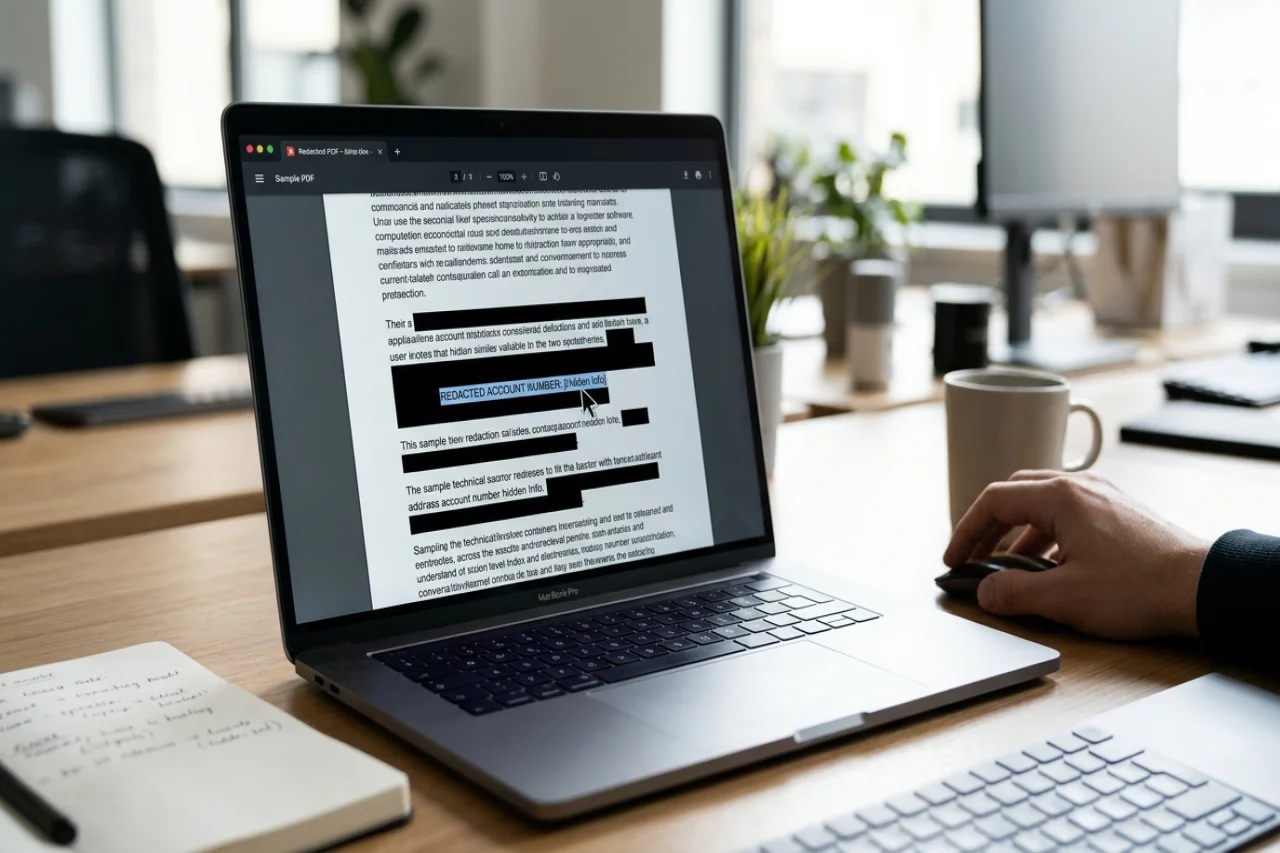
You blacked out the account numbers, saved the file, and sent it off. It looked safe. The black rectangles sat exactly where the sensitive lines had been, and nothing showed through.
That is the problem. Looking safe and being safe are two different things, and with most PDFs the difference is invisible until someone else finds it.
A PDF does not store a page the way a photograph does. It stores the text and the marks on top of it as separate layers. When you draw a black rectangle over a line, you are usually adding a shape on top of living text. The numbers underneath are still in the file, still searchable, still copyable. Anyone who opens the document can select the blacked-out area, copy it, paste it into a plain text file, and read exactly what you thought you had hidden.
This has happened to lawyers, government agencies, and large companies, all of whom believed their redactions were solid. The failures were not caused by hackers. They were caused by ordinary readers doing ordinary things: selecting text, copying it, and pasting it somewhere else.
The good news is that you can catch this yourself in about two minutes, before anyone else gets the file. You need no special software or technical skills. Four checks are enough.
1. The drag test
Open the redacted PDF in any normal reader. Click and drag your cursor straight across one of the black boxes, as if you were selecting a line of text.
If the cursor turns into a text selector, or a highlight appears across or behind the black rectangle, the text layer underneath is still active. A properly redacted document has nothing there to select. There is no text left under the box, so there is nothing for the cursor to grab.
If you can select it, your redaction has already failed, and you should stop right there. There is no point running the other checks.
2. The copy and paste test
Press Ctrl+A to select everything in the document, then Ctrl+C to copy it. Open a blank text file and press Ctrl+V to paste.
Read what appears. If your account numbers, addresses, or names show up in the pasted text, they were never removed. They were only covered, and the cover comes off the moment someone copies the file contents.
This is the test that has exposed the most famous redaction failures in history. It takes 10 seconds and is the single most reliable check you can run.
3. The search test
Press Ctrl+F inside your PDF reader and type in a word or a few digits you intended to hide, such as part of an account number or a surname.
If the reader jumps to the blacked-out section or highlights a match, the document still contains that text in its searchable index. A truly redacted file cannot find what no longer exists in it.
This check matters because it catches a subtle case: sometimes the visible text layer is gone from the page, but the search index or the document's internal structure still holds the words. If search can find it, so can anyone else.
4. The properties test
Open File, then Properties, in your PDF reader. Look at the Description and Fonts tabs.
If you see embedded fonts listed, or author names, software details, and revision dates you did not intend to share, the file has not been cleaned. Fonts are a telltale sign: a flattened page has no fonts because it has no text left, only an image of the page. Metadata is the other half of the leak. A file can be perfectly blacked out on the surface and still carry its own history inside.
What to do if the test fails
A failed test does not mean the document is ruined. It means the method was wrong. Drawing a shape over text is not redaction, and most office software will not warn you about that.
Real redaction destroys the text. The characters, their positions, the fonts, and the metadata all have to be removed from the file itself, not covered up. The standard way to do this is to flatten the document: render each page to an image and rebuild the PDF from those images, so that no text layer survives at all. Once a page has been flattened, there is nothing left to select, copy, search, or extract.
One common concern is can a redacted PDF be unredacted, particularly when sensitive information is covered with black boxes rather than permanently removed. The answer depends on how the redaction was applied and whether the underlying content remains accessible.
When you redo the file with a proper method, run the same four checks again. The drag test should select nothing. The paste test should return empty space where the hidden lines were. Search should find nothing. Properties should show no fonts. When all four come back clean, the redaction is real.
Make the test a habit
Two minutes is a small price for the only proof that matters. A redaction you have not tested is a guess, and a guess is what gets people into trouble.
Run the test on every sensitive file before you share it: bank statements, pay slips, contracts, court filings, medical records. It does not matter how the file was made or who made it. If it passes, send it with confidence. If it fails, fix it first. The test takes two minutes. Recovering from a leak takes far longer.
Author

Ahmad Salar
0 Comments
Comments are moderated to keep the discussion useful and respectful. Spam, automated submissions, and low-value promotional comments are removed.
Leave a Comment