
| Himanshu Chowdhary | Development, Artificial Intelligence, Mobile App Development
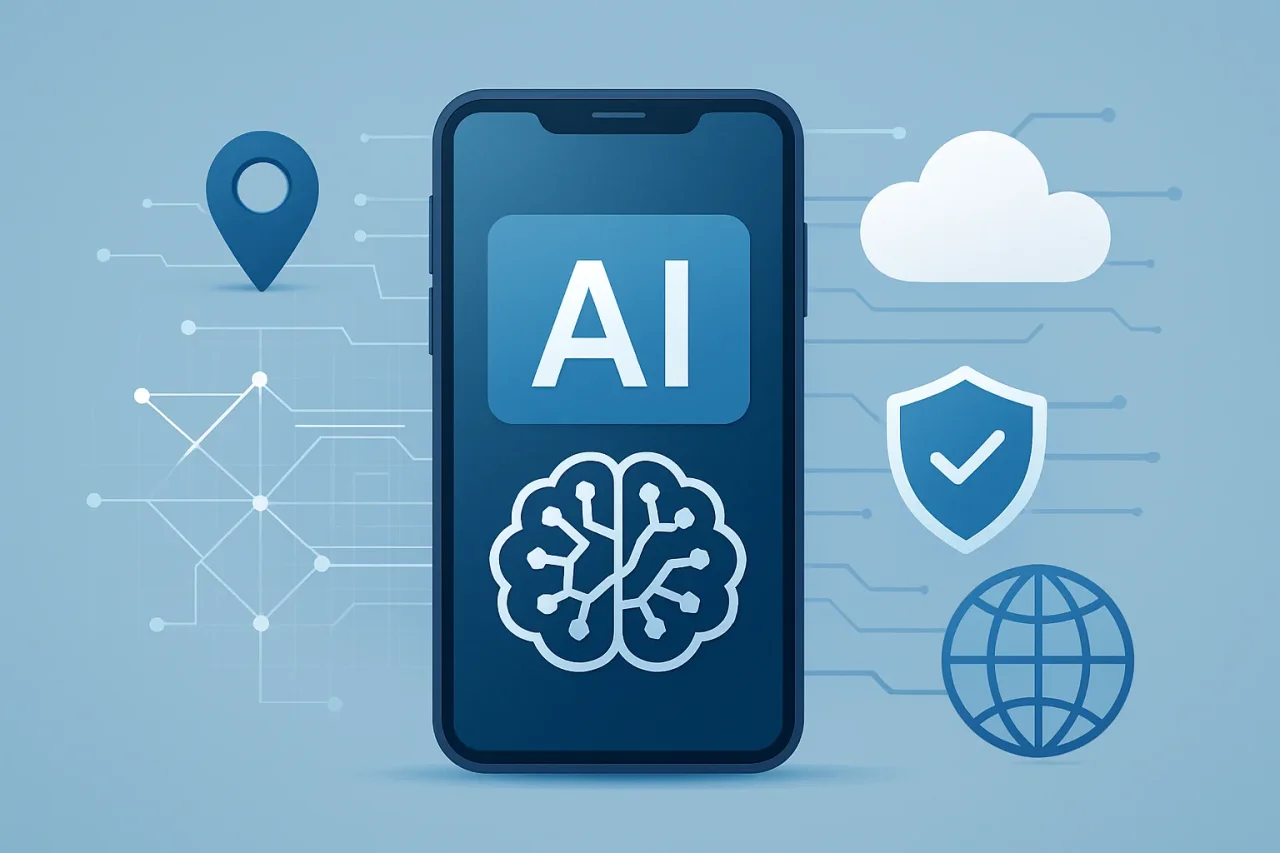
The rise of AI is one of the biggest drivers of the next mobile revolution. Mobile applications are becoming increasingly sophisticated and tailored to user needs. But there’s a challenge for businesses and developers: How do you add these powerful AI capabilities without gumming things up for your app?
More businesses are turning to AI in mobile apps to enhance the user experience, automate processes, and deliver more personalized digital experiences. This article discusses how they are achieving seamless functionality, increased productivity, and more user-friendly experiences.
Why Are Businesses Integrating AI in Mobile Apps?
Mobile users expect apps to know their preferences and provide fast solutions. Unlike traditional applications that adhere to static rules, AI-enabled applications can interpret data, discover patterns, and draw conclusions.
It is being embraced by companies across industries because it enables companies to provide better experiences. For instance:
- E-commerce apps use AI to suggest products according to what users have browsed and purchased.
- Healthcare applications employ AI to provide personalized insights from health data.
- Banking apps use AI to identify potentially fraudulent transactions.
- In entertainment applications, AI is employed to promote content based on user preferences.
- Customer support applications employ AI chatbots to provide instant help.
As users require faster, more personalized, and simpler applications, the demand for smart functionality in integrated mobile apps will continue to grow.
Common AI Features Being Integrated into Mobile Apps
Artificial intelligence is no longer the subject of pilot programs. Developers are now integrating features that improve the daily user experience. Some of the most popular AI features in mobile apps include:
1. Personalized Recommendations
Recommendation engines study user habits, interests, and past interactions in order to provide relevant products, videos, services, and content. Their systems help businesses boost engagement and improve customer satisfaction.
2. Voice Assistants and Speech Recognition
Voice AI enables people to interface with applications using spoken language. Mobile apps can take commands, respond to queries, and perform tasks without using manual input.
3. Intelligent Search
AI enhances searches by interpreting intent rather than matching specific keywords. This allows quicker and more accurate results.
4. AI Chatbots
AI-powered chatbots help businesses provide customer support around the clock. They can respond to frequently asked questions, help users navigate processes, and improve service efficiency.
5. Image Recognition
Apps also employ AI-enhanced image recognition for facial authentication, visual search, photo enhancement, document scanning, and many other applications.
How Developers Add AI Without Affecting Mobile App Performance
Implementing an AI system into an application is much more than just inserting a machine learning model. Careful management of processing power, memory, and response times has to be maintained by developers.
These are the core strategies for keeping the app functioning well.
1. Using Lightweight AI Models
Super-sized AI models are also computing-intensive and don’t always work seamlessly on mobile devices. Developers tackle this problem by using smaller, optimized models specifically designed for mobile.
Methods such as:
- Compressing the model
- Quantization
- Knowledge distillation
- Efficient neural network architecture
It helps reduce model size without sacrificing performance.
These enhancements enable apps to be more intelligent while having no loading latency or consuming more resources from the device.
2. Implementing On-Device AI Processing
On-device AI enables mobile apps to perform some operations locally, on the smartphone, rather than entirely on remote servers.
The advantages of the approach are multiple:
- Quicker response time
- Less reliance on the internet
- Improved privacy safeguards
- Reduced server expenses
For instance, a smartphone camera app can use AI to enhance photos on the fly without sending the photos to a server for processing.
The presence of specific AI processing units in modern smartphones makes it easier for developers to run complex machine learning tasks locally.
3. Using Hybrid AI Systems
Not every AI operation will run efficiently on a mobile device. Some of the more complex of these tasks require advanced computing resources used in cloud platforms.
Hybrid AI systems are widely used today by developers. The responsibilities are split between the mobile device and the cloud infrastructure.
Basic tasks are executed locally, and complex tasks are executed remotely.
For example:
- The device processes voice commands locally and instantly
- Cloud AI services help process large datasets
4. Optimizing AI Algorithms for Mobile Devices
They have to customize AI algorithms for use on mobile devices. A desktop-oriented model may not work at all on a smartphone.
Optimization includes:
- Minimizing redundant computations
- Improving the management of memory
- Limiting background processes
- Testing performance over many devices
Those practices ensure that AI-powered apps don’t require users to have the latest smartphones.
The Role of AI Agent Development in Future Mobile Apps
Next-generation mobile applications will be intelligent systems capable of performing tasks autonomously. That is where AI agent development is very important. While traditional AI components require explicit actions, AI agents can assess the environment, select actions, and execute sequences of actions to reach a goal.
A travel AI app could, for instance:
- Recommend travel destinations based on the users’ interests
- Automatically compares prices
- Design custom itineraries
- Send reminders regarding upcoming trips
Productivity apps could similarly deploy these AI agents to help them organize their calendars, prioritize their work, and automate repetitive tasks.
But the developer should improve the architecture of the AI agent so that it does not require excessive resources. Since processing and managing tasks are handled well, AI agents can be advantageous without degrading performance in the apps.
What are the Best Practices for Building High-Performance AI Mobile Apps?
Businesses looking to integrate AI into mobile apps should follow several best practices
1. Prioritize User Needs
AI needs to address actual pain points for users rather than serving as a marketing gimmick.
2. Choose the Right AI Approach
Developers should determine which features are best processed on the device, in the cloud, or through a hybrid approach.
3. Monitor Performance Regularly
Ongoing testing can reveal issues related to speed, memory usage, and battery consumption.
4. Protect User Data
AI systems often require user information. Strong security practices and privacy-focused development are essential.
5. Design Simple User Experiences
AI should simplify the user experience rather than making applications more complex to use.
Conclusion
AI is transforming mobile applications and their development. Mobile apps can successfully integrate AI without slowing performance by using lightweight AI models, on-device processing, hybrid cloud architecture, efficient resource management, and continuous performance optimization.
By following the best practices covered in this guide, businesses can create integrated mobile apps that deliver powerful AI features in mobile apps while keeping performance smooth, reliable, and user-friendly.
Author

Himanshu Chowdhary
0 Comments
Comments are moderated to keep the discussion useful and respectful. Spam, automated submissions, and low-value promotional comments are removed.
Leave a Comment