
| Webtraffic Exchange | Web Development
Building a website can take weeks or even months—but a single cyberattack can destroy it in minutes. Modern threats like ransomware, domain hijacking, DNS compromise, and backdoors can lead to irreversible damage or even complete loss of a website.
In 2026, the average cost of a data breach has reached $4.88 million, and cyberattacks have become more advanced than ever. With AI-powered attacks rising by 47%, security is no longer optional—it’s essential.
To effectively protect a website, you first need to understand the threats and then apply the right defense strategies.
12 Common Website Security Threats
Understanding these threats helps you stay one step ahead:
- Destructive Ransomware/Wipers: Erases databases, files, and backups.
- Private Key or Secret Theft: Stolen SSL/TLS or API keys allow attackers to impersonate your website.
- Domain Hijacking: Attackers take control of your domain or DNS settings.
- Backup Deletion/Corruption: Leaves no recovery option.
- Supply Chain Attacks: Malicious code injected into third-party tools or plugins.
- Persistent Backdoors/Rootkits: Hidden malware that survives removal attempts.
- Database Corruption: Critical data gets damaged or deleted.
- DNS Poisoning: Redirects users to fake websites.
- Certificate Authority (CA) Compromise: Fake certificates deceive users.
- Legal Takedowns: Forced domain shutdowns due to legal issues.
- Data Leaks: Sensitive user or business data exposed.
- Cloud Account Takeover: Full access leads to total data loss.
10 Proven Ways to Secure Your Website
1. Use SSL/TLS Encryption
Always ensure your website uses HTTPS instead of HTTP. Encryption protects user data and builds trust while also improving search engine rankings.
2. Install a Web Application Firewall (WAF)
A WAF acts like a security guard for your website.
- Blocks attacks like SQL injection and XSS
- Monitors traffic in real time
- Prevents unauthorized access
Cloud-based WAFs are easier to manage, while on-premise solutions offer deeper control.
3. Keep CMS, Plugins, and Software Updated
Outdated systems are easy targets.
- Enable automatic updates
- Regularly update themes, plugins, and frameworks
- Patch vulnerabilities quickly
4. Implement Strong Authentication
Weak passwords are one of the biggest risks.
- Use multi-factor authentication (MFA)
- Enforce strong passwords
- Limit login attempts
5. Perform Regular Security Audits
Stay proactive instead of reactive.
- Conduct vulnerability scans
- Perform penetration testing
- Identify and fix hidden weaknesses
6. Backup Your Website Regularly
Backups are your safety net.
- Store multiple copies
- Use different storage locations
- Automate backup processes
7. Use Role-Based Access Control (RBAC)
Not everyone needs full access.
- Assign permissions based on roles
- Limit admin access
- Track user activity
8. Secure File Uploads
File uploads can introduce malware.
- Scan all uploaded files
- Restrict file types
- Use validation checks
9. Monitor Traffic & Detect Intrusions
Early detection prevents major damage.
- Track unusual activity
- Use intrusion detection systems (IDS)
- Set alerts for suspicious behavior
10. Train Your Team
Human error is a major security risk.
- Educate about phishing and scams
- Encourage safe browsing habits
- Build a security-first culture
Final Thoughts
Website security isn’t a one-time task it's an ongoing process. As cyber threats evolve, your defenses must evolve too.
The key is simple:
- Stay aware of risks
- Take preventive measures
- Act quickly when issues arise
Even the best systems can face attacks, but preparation, awareness, and strong security practices can make all the difference.
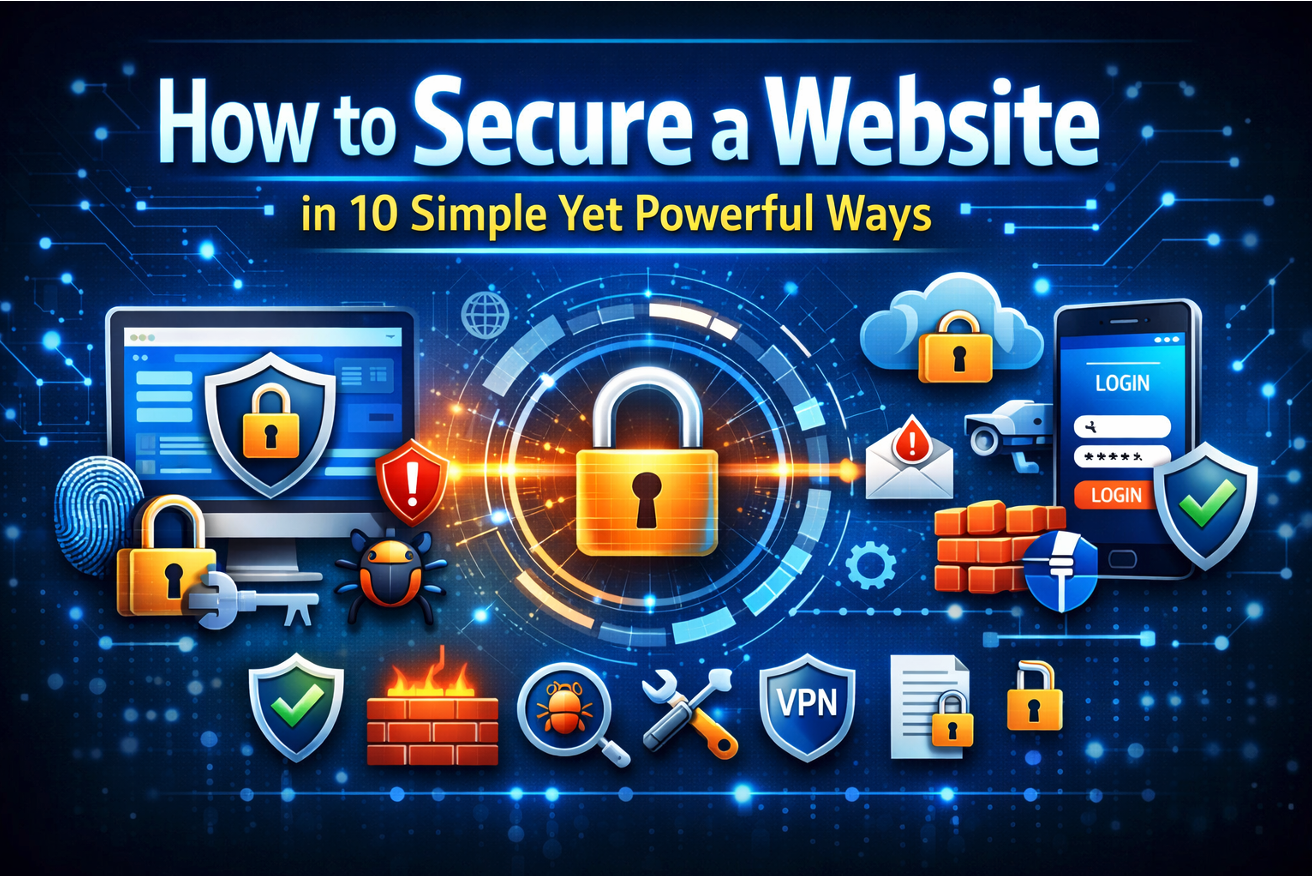
Featured Image generated by ChatGPT.
Author

Webtraffic Exchange


0 Comments
Comments are moderated to keep the discussion useful and respectful. Spam, automated submissions, and low-value promotional comments are removed.
Leave a Comment